关于
会说话的宠物猫|TALKING PET
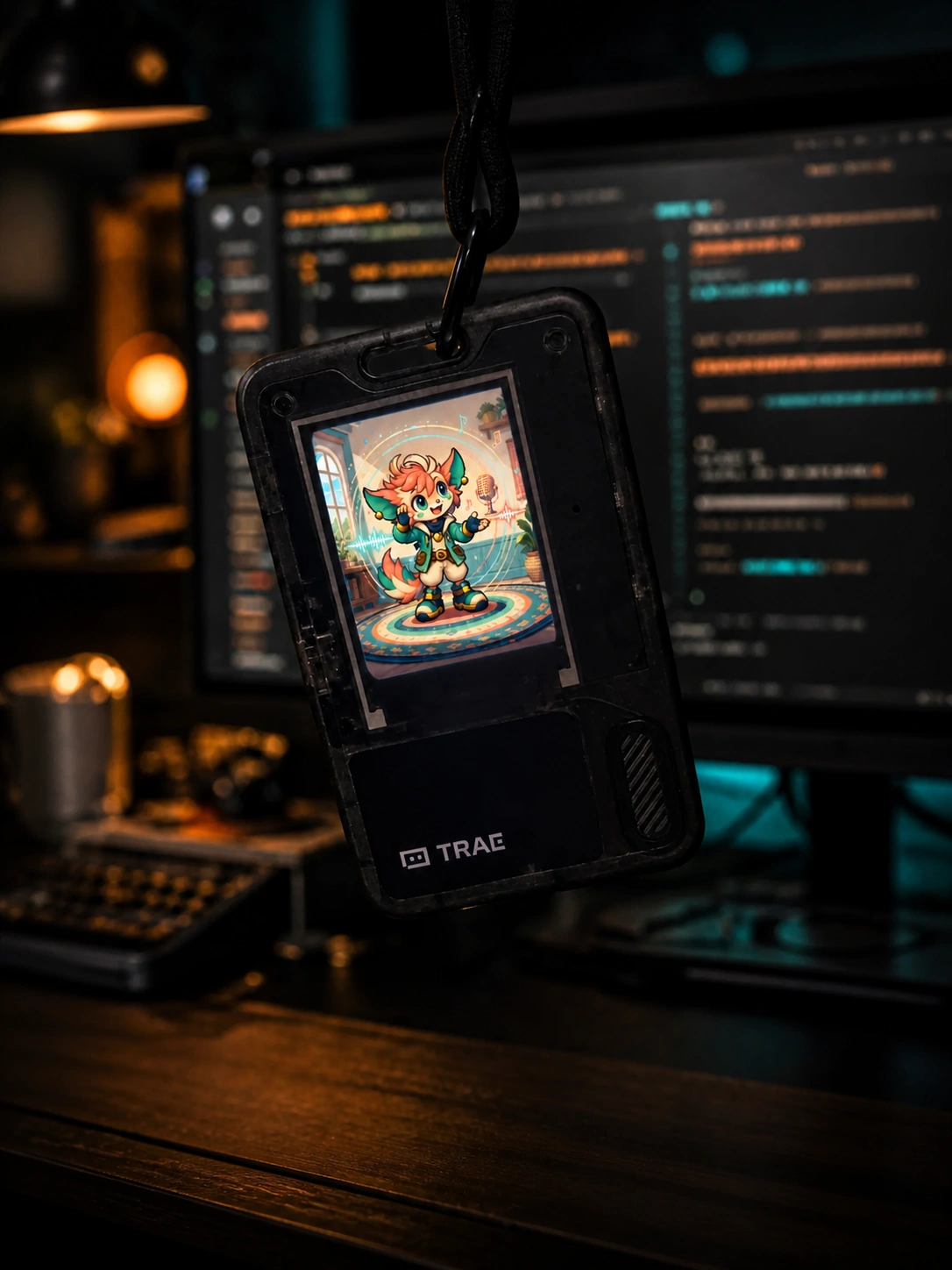
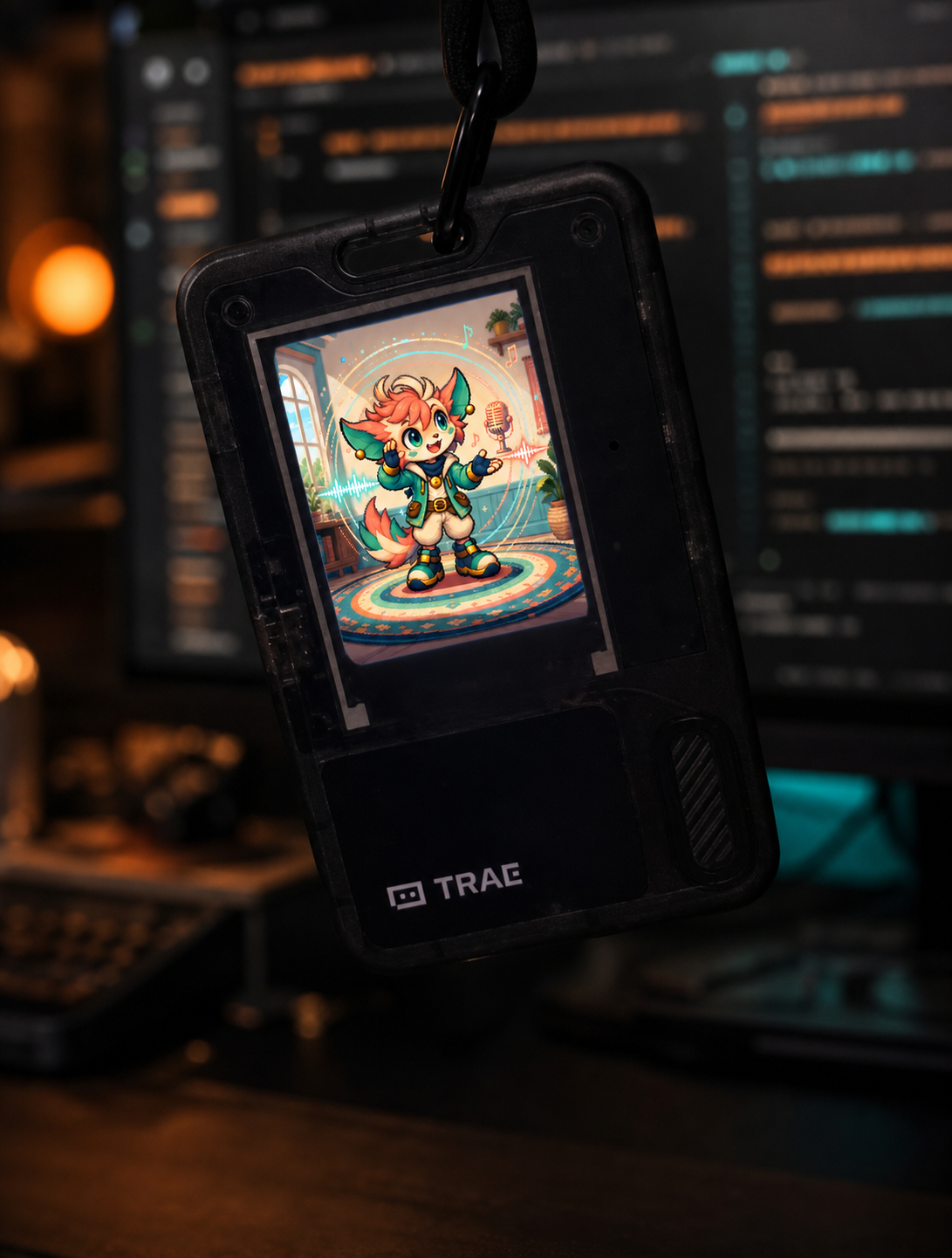
Talking Pet 把 AI Passport 变成一只会认真听你说话、再用俏皮声音复述的随身精灵。角色会随着倾听、思考和回应切换动作与表情,适合模仿台词、朋友聚会或随手制造一点笑声。
怎么玩
- 长按确认键开始说话。
- 松开确认键,宠物会立即复述;单次最长 8 秒。
- 按上键提高音量,按下键降低音量。
录音保存在运行内存中,每次新录音会覆盖上一段,不会持续占用存储空间。
How to play
- Hold the confirm button and speak.
- Release it to hear the pet mimic you; each recording can be up to eight seconds.
- Use the up and down buttons to adjust the volume.
The recording stays in working memory and is replaced by the next one, so it does not accumulate in storage.
特色 / Highlights
- 精致的原创像素角色与多状态动画
- 更高、更俏皮但保持清晰的复述声音
- 按住即录、松开即播,交互直接且延迟低
- 10%–100% 音量调节
- 无需联网即可游玩
Build and flash
The project uses ESP-IDF 5.5.3. From an initialized ESP-IDF terminal:
idf.py build
idf.py -p PORT flash monitor
The target is the FoloToy AI Passport. A merged community-release image is generated separately and is not committed to this repository.
Project structure
main/main.c— interaction, recording, playback, and UI state flowmain/pet_sprites.c— embedded character framescomponents/bsp/— device support used by the applicationassets/images/— source artwork, processed frames, and community cover
License
Released under the MIT License. See LICENSE.
特性
▸长按确认键录音,最长 8 秒
▸变声复述并配合像素表情动画
▸上下键调节音量
▸适合朋友聚会即兴配音
一键安装
通过 Web Serial API 在浏览器内直接刷写固件到你的 AI Passport
查看 GitHub 仓库 ↗需要 Chrome/Edge 89+ · 不支持时可查看手动教程
手动安装教程 ↗项目信息
仓库https://github.com/Ecparterhacs/talking-pet-ai-passport
Star1
固件版本未发布
兼容硬件AI Passport v1